Features

How Coreflux Data Viewer shows every MQTT topic, live and historical, with the formatters industrial data actually needs

Data Viewer is the Miradouro

How Coreflux Data Viewer shows every MQTT topic, live and historical, with the formatters industrial data actually needs

An episode of "Everything Reminds Me of Coreflux"

There is a quiet spot in Porto called the Miradouro da Vitória. No ticket, no queue, no building to climb. You walk up an old hill in the Bairro da Vitória, and the city opens up in front of you. The rooftops in red. The Douro to the south. The cathedral. The bridges. Everything happening at once, in front of you, with no admission fee.

A miradouro is the Portuguese word for a viewpoint. The trick is not the height. There are taller places in Porto. The trick is the perspective. You don't see one thing at a time. You see all of it.

That is what the Data Viewer does for your MQTT broker.

Most engineers see 5% of their data and feel fine about it

If you've ever debugged an MQTT system, you know the routine. You open MQTT Explorer (the open-source one, the one most of us have used for years), drill into a topic, read the payload. You see the current value. You click another topic. You click back. The value is different. You missed whatever happened in between.

If the topic stops updating, you don't know when it stopped. If a payload spiked at 4am, you didn't see it. If the data came in as audio, a map coordinate, or an image, the viewer shows a wall of unreadable bytes.

This is the state of MQTT visibility for most teams. Nothing better has existed for years, so the tool that did exist became the default by absence.

We built the Data Viewer because that needed to change.

The viewer the broker deserved

The Data Viewer lives inside the Hub. It opens like any other app. Browse the live topic tree on one side, payload on the other. Subscribe, publish, see retention flags, QoS, timestamps. The familiar parts of MQTT Explorer are there, faster and properly maintained.

The difference is everything around them:

Multi-topic layout.

Follow several related topics side by side. Real systems behave across many topics at once, and the Viewer treats that as the default, not the exception.

Replay controls.

Every topic has a timeline you can scroll. Scrub back fifteen minutes, find the moment a valve sent the bad value, watch the sequence of events that led to a fault. The past is no longer gone.

Data formatters.

Raw, JSON, Protobuf, geopoint, image, audio, PDF. A GPS topic opens as a map. An audio topic plays back inside the panel. An image renders the picture. The Viewer reads what the data actually is, not what it would be if everything were nice JSON.

Graph view.

Plot any numeric topic over time. Watch a curve form as a machine warms up. No external analytics tool, no exported CSV.

Drag and drop.

Arrange the panels how you actually work. Save the layout. Open it tomorrow exactly as you left it.

Color coding.

Five topics on screen are no longer five identical lines. The eye starts doing pattern recognition. The brain catches anomalies it would have missed in monochrome.

Connected Clients view.

A separate widget in the same MQTT app. See who is online, who is reconnecting, who is dropping. The other side of the same problem.

Each one of these features used to require a separate tool, or a custom dashboard, or a log file you remembered to keep. Now they share a panel.

The Octopus moment

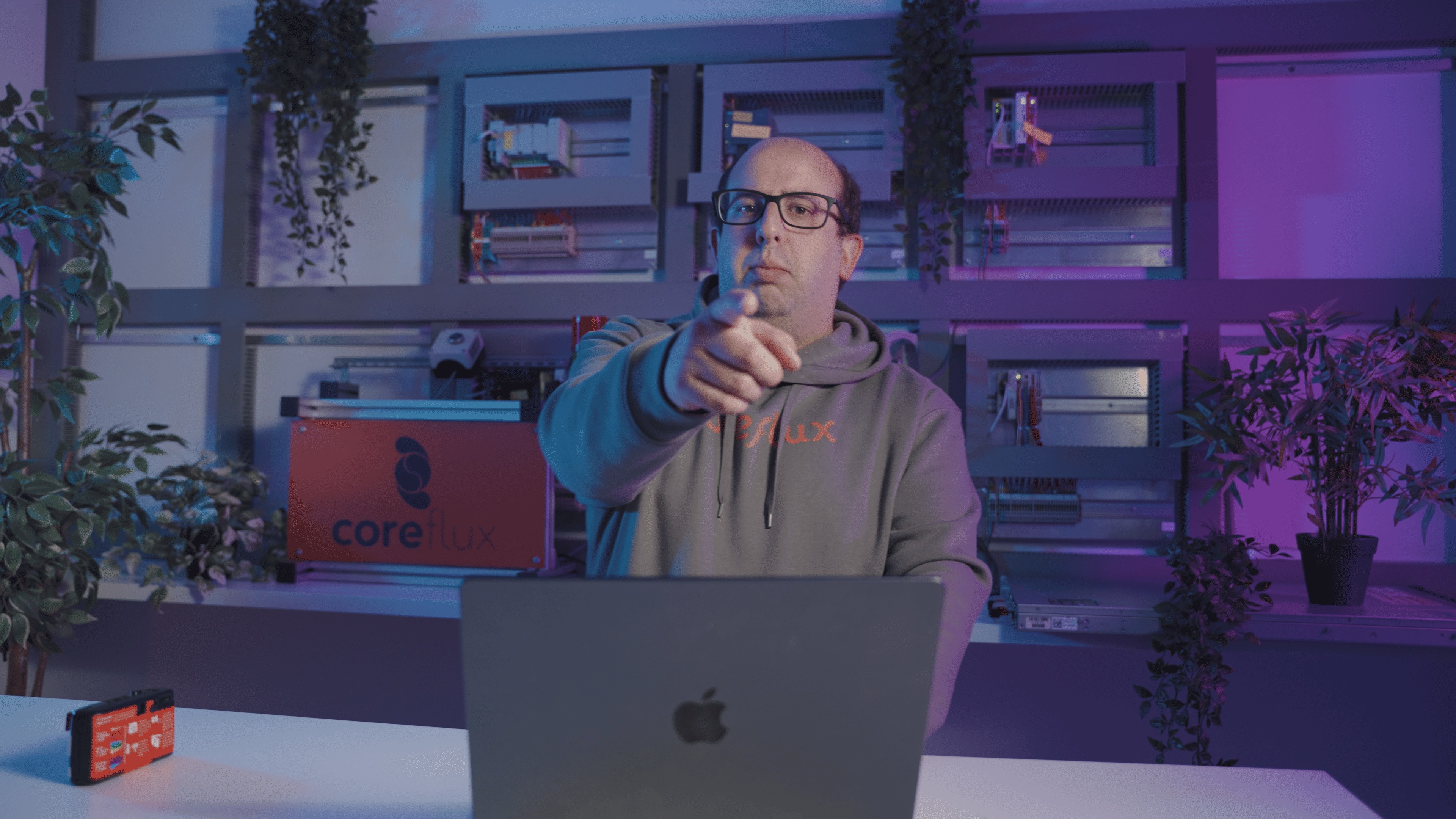
Gonçalo walks through the Data Viewer in the episode, except Gonçalo doesn't really walk. He sits at a desk surrounded by five laptops, eyes on all of them, hands moving across keyboards, multitasking the way you multitask after enough years of doing customer support, engineering, product, and demos at the same time.

Internally we call him the Octopus. Eight tentacles, every product, every pie. The Data Viewer is one of the products he helped build, and watching him use it is the clearest argument for why the product exists. Five things on screen at once. Eyes following all of them. The kind of attention most engineers want, and most software does not allow.

A pair of eyes isn't enough for an industrial broker. The Data Viewer doesn't ask you to grow more. It just shows you the room.

Perspective is the feature

A miradouro doesn't add anything to the city. The rooftops were red before you walked up. The bridges were already there. The cranes at the docks were already working. The miradouro changes what you see, not what exists.

The Data Viewer is the same idea. Your broker was already running. Your topics were already flowing. The signals were always there. The Data Viewer changes what you can see, not what is happening.

The view didn't change. The tool to manage it did.

Watch the episode

Gonçalo Silva, our Head of Customer Success and the only person at Coreflux who can run five things at once and catch a flying camera without looking, walks through the Data Viewer from his desk in the fourth episode of Everything Reminds Me of Coreflux. João Barroso starts the conversation at the Miradouro da Vitória with André, where someone hands someone else a piece of equipment that might be slightly below their photography standards.

You will probably enjoy watching it as much as we enjoyed making it.

Try Coreflux for free 👉 https://www.coreflux.org/

Recent Posts